

Description: This section will guide the client through the process of booking a meeting slot.
Prerequisites: The client must be logged in
Steps:
• Step 1: The client clicks on the “slots” option on the features sidebar.
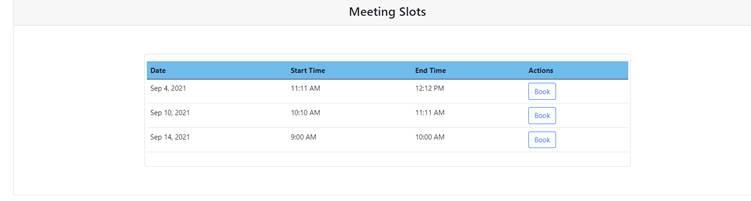
• Step 2: The slots screen is displayed, and the client will then select a meeting they would like to book for.
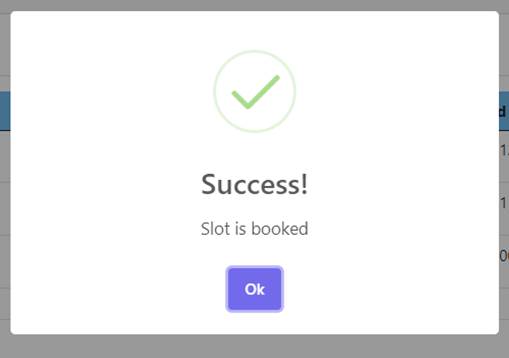
• Step 3: the client will press the book button to book this specific meeting
Exercise
• Book a meeting for the 12th of December 2021
Summary
You have now learnt how to book a meeting.
This document is created with Softany WordToHelp trial version. (The registered version will not show this message!)